Kammzeit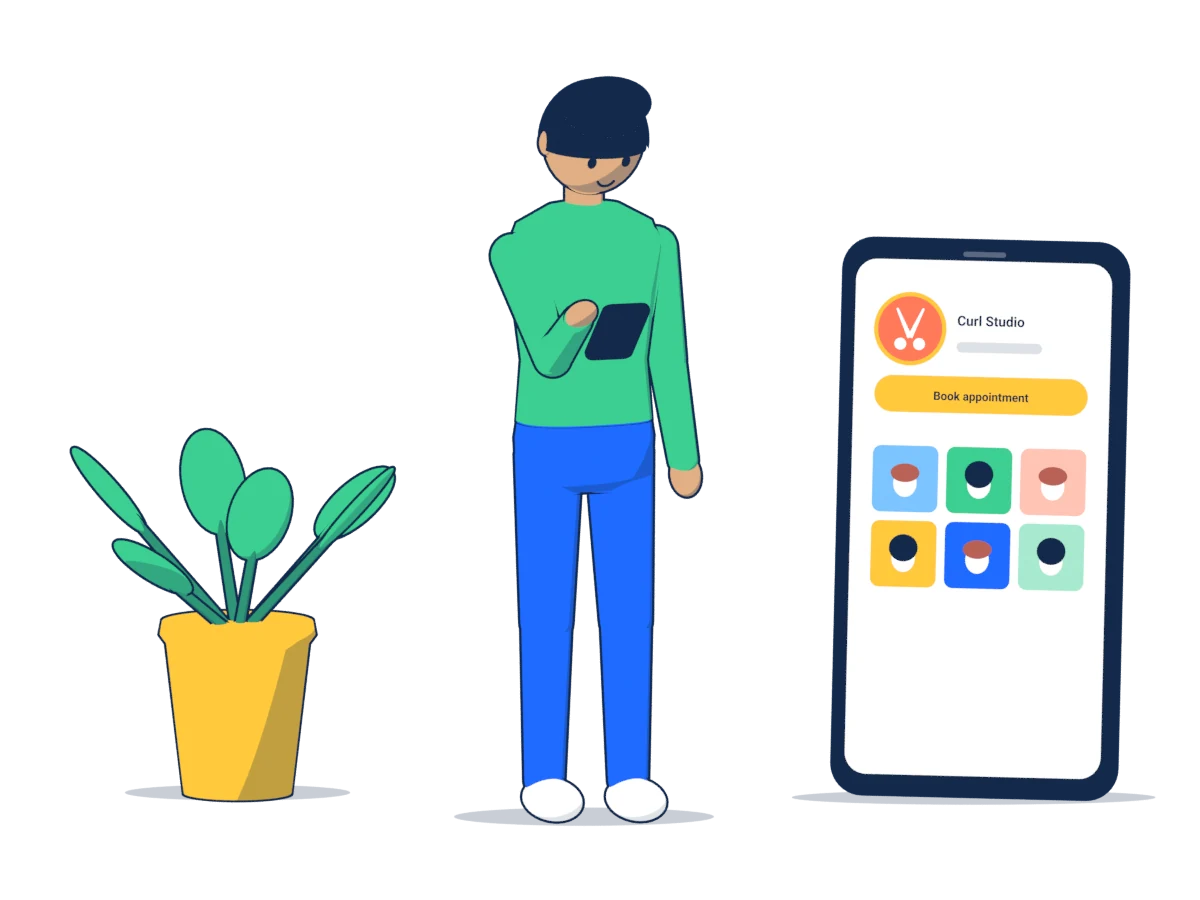
First: check your link
In Kammzeit every salon has its own booking page at an address like yoursalon.kammzeit.com. You open it from the dashboard via “Booking page” at the top. Before you share the link:
- Open it on your phone in a private window. That way you see the page as a new client would, without being logged in.
- Check your name, address, phone number and services. Everyone who arrives via Instagram or Google sees what's there.
- Copy the full link, including
https://at the start. Some apps don't reliably recognise links without it.
Use the same link everywhere and write down where you have put it. If something changes later, you'll know exactly what to update.
Instagram has two good places for your link: your profile and your stories.
In your profile
- Open your profile and tap the button to edit it.
- Look for the links section and add an external link.
- Paste your booking link and give it a short title such as “Book an appointment”.
- Add a sentence to your bio saying what the link is for: “Book online any time, link below.”
If you add several links, put the booking link first. On the profile, usually only the first link is visible straight away.
In stories
Stories have a link sticker. It works well for last-minute free slots: a photo of the empty chair, “Free today at 15:00” and the sticker with your booking link. Also save a story with the link as a highlight on your profile, for example under “Book”. That way it's still there after 24 hours.
Google Business Profile
Many people look for a salon through Google Search or Google Maps, which makes your Business Profile one of the most important places for the link.
- Sign in with the Google account you use to manage your Business Profile and open the option to edit it. You can also do this straight from Google Search by searching for your salon's name.
- In the contact details, look for a field for appointment or booking links. Depending on the view, it may be labelled slightly differently.
- Enter your booking link there and save.
- If you don't have a website of your own, you can also enter the booking link as your website. Your address, phone number and services are on the booking page anyway.
Google reviews some profile changes before they go live, so it can take a while for the link to appear. Check back after a few days.
While you're there, update your opening hours. If Google shows different hours from your booking page, clients get confused.
You can also publish posts through your profile, for example about new services or free slots before the holidays. Depending on the type of post, you can add a button. Choose the booking option and add your link there too.
WhatsApp Business
If clients message you on WhatsApp, use that for the link. The WhatsApp Business app offers several ways to do it:
- In your business profile: you can add a website address there. Enter your booking link and it appears in your profile.
- As an automatic message: look for greeting or away messages in the business tools. Outside opening hours, the reply could be: “Thanks for your message! We're not in the salon right now. You can book any time here: yoursalon.kammzeit.com. We'll get back to you tomorrow.”
- As a quick reply: save a prepared answer with the link. Then you don't have to type it out every time someone asks “Do you have anything free next week?”
The standard WhatsApp app doesn't have these tools; there you simply send the link yourself. Whether your salon uses WhatsApp in a way that complies with data protection rules is a separate question; it doesn't change anything about the link.
Website, Facebook and more
- Your own website: put a clear “Book an appointment” button on the home page, not just a text link far down. It also fits well next to your price list.
- Facebook page: pages can have an action button that points to an address. Look for it in your page settings and add your booking link.
- Email signature: one line under every email, such as “Book online: yoursalon.kammzeit.com”.
- Voicemail: mention the link briefly in your greeting, so people who call outside opening hours can still book. Spell out your salon's name if it's written in an unusual way.
In the salon: QR code and cards
Your regulars are sitting right in front of you. A QR code at the till or on your business card is the shortest route to their next appointment.
- Create the QR code so that it contains your booking link directly. Some services redirect through their own addresses and later switch the code off or show ads. Use a static QR code without a redirect.
- Also print the link as text below the code, for anyone who doesn't want to scan.
- Test the printed code with two different phones before you order a hundred cards.
- If you use Kammzeit's queue for walk-ins (Pro), your dashboard has a separate QR code for it. It leads to joining the queue, not to booking an appointment. If both codes hang in your salon, label them clearly.
Announcing the link
A link on its own is easy to overlook. Say what happens when someone taps it and what they get out of it:
- Specific rather than vague. “Book online, even in the evening” says more than “link in bio”.
- Remove doubts. A short line such as “no app, no account needed” takes away the fear of a long form.
- In your clients' languages. If your clients speak different languages, write the line in two of them. It costs you one extra sentence.
- Repeat it. A pinned post on your Instagram profile that shows booking in three pictures still helps new followers weeks later.
And keep giving out your phone number. Anyone who prefers to call should still be able to.
Test it at the end
Go through every place once, the way your clients would:
- Open your Instagram profile on someone else's phone and tap the link.
- Search for your salon on Google and check whether the booking link appears.
- Send yourself a WhatsApp message from another number and check whether the automatic reply arrives.
- Book a test appointment and cancel it again using the link in the email.
After that, your link is where your clients are already looking. The booking page does the rest.