Kammzeit
What online booking changes day to day
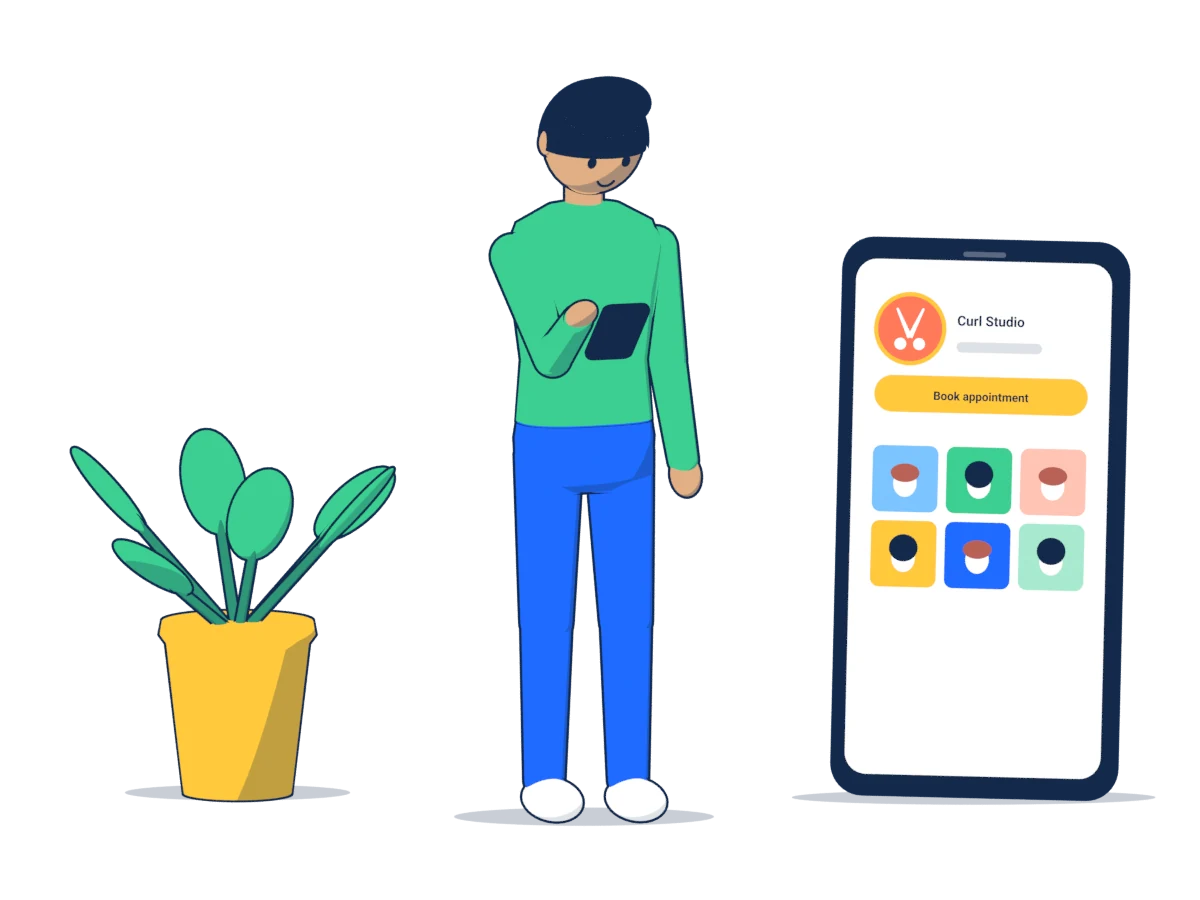
The phone tends to ring just as you pick up the scissors. Either you interrupt the cut, or the call goes unanswered and the client tries again later, or tries another salon. A booking page steps in right there: clients see free times, choose a service and book themselves, even at eleven at night or on a Sunday.
For you, that mainly means three things:
- Fewer interruptions. Appointments booked online don't need to be arranged over the phone. They appear in your calendar and you get an email.
- Fewer questions. Anyone booking online sees the duration and price of a service in advance. “How much is a men's cut?” is answered by the page.
- Confirmations and reminders run by themselves. The client gets a confirmation by email and a reminder before the appointment. If they can't make it, they cancel with a link instead of simply not turning up.
What online booking won't do is fill an empty calendar. New clients still find you through recommendations, walk-ins, Instagram or your Google profile. The booking page simply turns interest into an appointment faster.
When the phone is still the better choice
Online booking doesn't suit every service or every salon. Be honest about where a conversation is needed first:
- Colour corrections, bleaching, extensions. How long these take depends heavily on the starting point. Without a consultation, a fixed time slot is often a guess. Either leave them off the booking page or offer them only as a consultation appointment.
- Bridal hair and appointments outside opening hours. These are individual arrangements, not standard appointments.
- New clients who want complex colour. If you'd like to do a strand test or a skin allergy test first, that belongs in a conversation.
- Regulars who prefer to call. Some people simply don't want to book online. Don't force them. The phone stays a way to book, and the booking page is an extra.
A small salon where nearly every client books the next visit while paying may not need an online system at all. If the phone rarely gets in the way and hardly anyone misses an appointment, that's perfectly fine.
What to look for when choosing a system
Data protection and where the servers are
A booking system stores your clients' names, email addresses, phone numbers and appointments. Under the GDPR you are responsible for that data, and the provider processes it on your behalf. That requires a data processing agreement under Art. 28 GDPR. A trustworthy provider offers one without being asked. Also ask where the servers are: hosting inside the EU makes a lot of things simpler. There is more on this in the guide Client records and the GDPR.
No app, no client account
Every hurdle costs bookings. If a client first has to install an app or create a password, they will call instead or give up. Make sure booking works in an ordinary mobile browser and only asks for what you really need: name, email address and, if you like, a phone number.
Compare costs honestly
Pricing models vary a lot: a fixed monthly fee, a fee per staff member, commission per booking or extra charges for text messages. Work out what a normal month would cost using your own numbers. Commission per appointment looks cheap at first and becomes expensive once many clients book online. Also check how long you are tied in and how you cancel.
Cancellation rules and notice
You should be able to decide for yourself how late clients can cancel online, how short-notice a booking can be and how far ahead people can book. Without a minimum notice, someone books the 9:00 slot at 8:55, and you only find out when they walk through the door.
Languages
In many European towns, a salon's clients don't all speak the same language. Check which languages the booking page and the emails to clients are available in. In Kammzeit you choose English or German for your booking page.
Taking your data with you
Ask beforehand whether you can export your customer records and appointments, for example as a CSV file. If you ever want to switch, your data shouldn't be stuck with the provider.
How to introduce online booking
- Add your services, but not all of them. Start with the standard ones: cuts, wash and blow-dry, simple colour. Complex treatments stay on the phone for now.
- Enter realistic durations. Allow time for the consultation and for tidying up. The guide Planning services and durations explains how.
- Keep working hours and breaks up to date. Enter your lunch break, or someone will book right into it.
- Test it yourself. Book an appointment on your own phone, read the confirmation email and cancel the appointment again using the link. That way you know exactly what your clients experience.
- Put the link everywhere. Instagram bio, Google Business Profile, WhatsApp, your website. The guide Your booking link on Instagram, Google and WhatsApp walks you through it.
Telling your regular clients
Your regulars are best told in person, at the till or as they leave. One sentence is enough: “By the way, you can book online now. The link is on our Instagram and on this card.”
These also help:
- a small card or stand at the till with the link and a QR code,
- a line in your voicemail greeting: “You can also book online at …”,
- a short post or story showing what booking looks like.
The tone matters: online booking is an extra option, not an obligation. Anyone who wants to keep calling can do so.
Phone and online bookings in one calendar
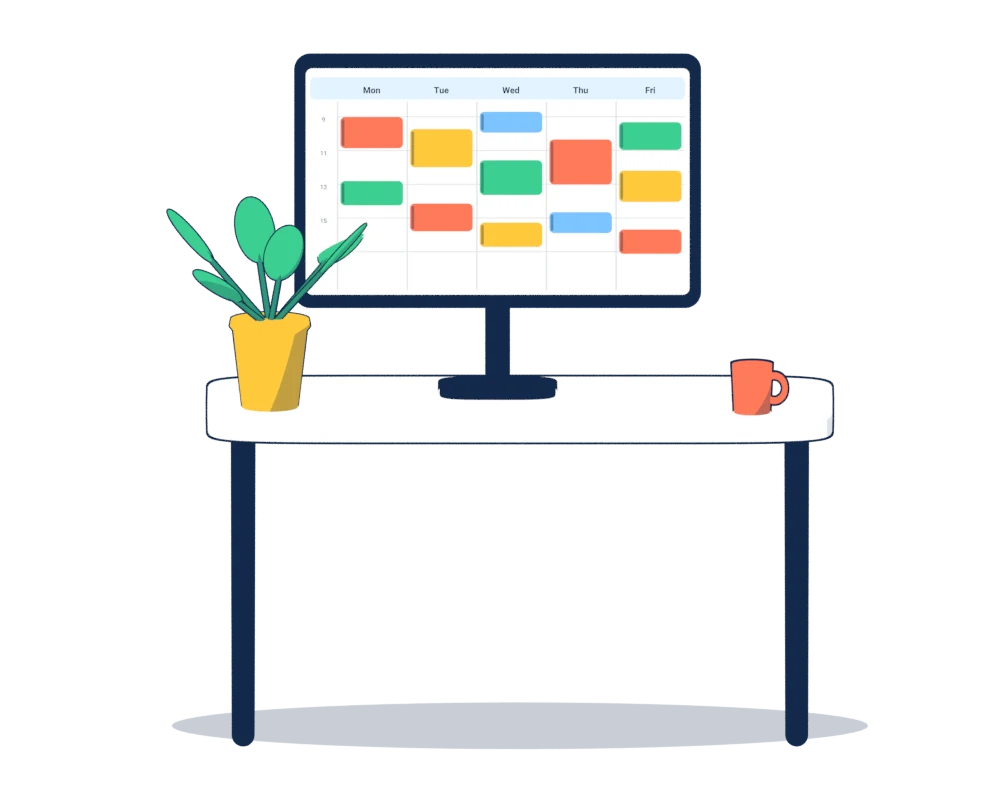
A common mistake when switching: online appointments live in the system while phone bookings stay in the paper diary. Then someone books online exactly the slot you already gave away on the phone. So enter every appointment in the same calendar, wherever it comes from. In Kammzeit you add it in the calendar with “New appointment”, and the time can no longer be booked online.
If you want to keep the paper diary going for a while, that's fine. Just follow one simple rule: the digital calendar is the truth, the paper is the copy.
Summary
Online booking pays off when your phone often rings at the wrong moment and many appointments are standard services. Look for a data processing agreement and servers in the EU, booking without an app or account, a transparent pricing model and cancellation rules you set yourself. Introduce it step by step, talk to your regulars in person and keep all appointments in one calendar.
Kammzeit is one such booking page for salons, with a free plan for one staff member. The quickest way to see whether it suits your salon is the demo salon.