 Kammzeit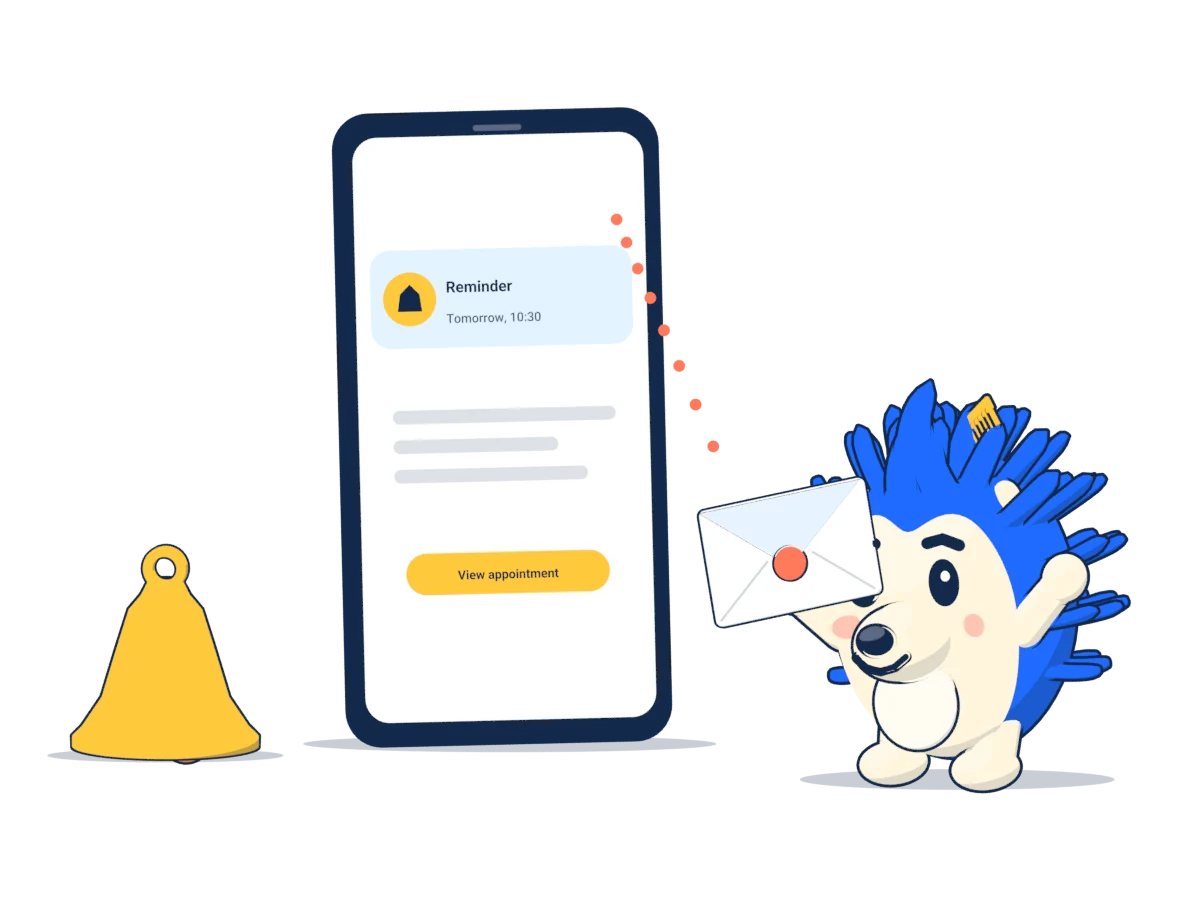
Reminder 24 hours before
Every booked appointment gets a reminder email 24 hours before it starts, with the time, service, staff member, your address, a calendar file and the cancellation link. There is nothing to set up.
- If someone books less than 24 hours ahead, the confirmation takes the place of the reminder.
- Customers without an email address don't receive any emails. There are no text messages.
When a customer cancels
- The confirmation and the reminder ask the customer to cancel if they can't make it, so the time becomes free for others, and contain the cancellation link.
- The customer opens the link and clicks Cancel appointment. Opening the link alone doesn't cancel anything, so link previews in email apps can't cancel an appointment by accident.
- The customer receives a cancellation confirmation with a link to book again. A notification of the cancellation goes to your email for booking notifications.
- In the calendar, the appointment is shown as cancelled. The time is free online again straight away.
You decide until when this is possible under Settings › Booking rules › Cancellation deadline. After the deadline, the cancellation page shows your phone number. See Booking rules.
When you cancel
- Click the appointment in the calendar.
- Click Cancel appointment. If the customer has an email address and the appointment is still to come, the box to notify the customer by email is ticked. They then get an email with a link to book again and your phone number. If you have already spoken, untick it.
- Click Yes, cancel. The time can be booked online again straight away.
If only the time changes, you don't need to cancel: reschedule the appointment instead.
No-shows
Once the appointment has started, it shows a No-show box with the button Mark as no-show. The calendar then shows the appointment as a no-show, and so does the customer card. Next time the customer calls, you can see who has missed an appointment before.
The mark cannot be undone. If the customer is just running late, wait before you click.
Preventing no-shows
- Reminders only work with an email address. Ask for it when someone books by phone.
- Cancelling by link is easier for customers than calling. With a deadline such as “until 2 hours before”, the time usually becomes free early enough to fill it.
- Kammzeit cannot take deposits or charge cancellation fees.